How Kiosk Mode Rugged Tablets Support Retail and Logistics
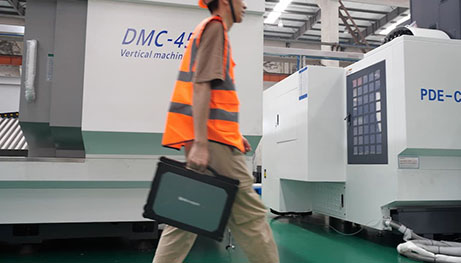
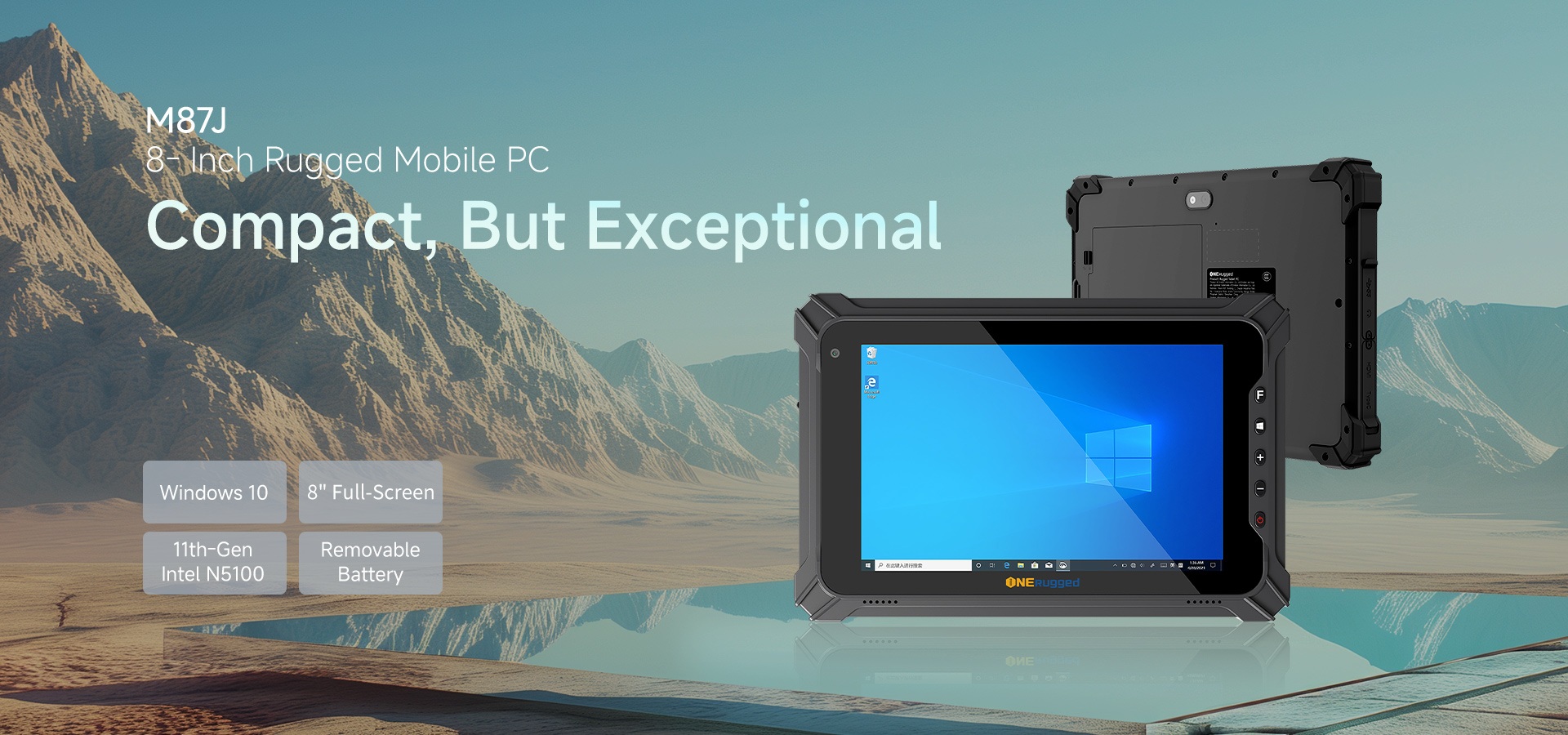
Field teams in retail and logistics don’t need full-featured tablets — they need locked-down, purpose-built devices that do one job reliably: scanning, checking inventory, processing orders, or guiding warehouse pickers. That’s where Onerugged’s Kiosk Mode comes in — not as a bolt-on feature, but as a built-in, Android-native application layer designed for real industrial workflows.
Retail Checkout Stations with Kiosk Mode Enforcement
In high-traffic stores and self-service kiosks, accidental navigation, app switching, or unauthorized settings changes create downtime and support overhead. Onerugged’s Kiosk Mode runs natively on all their Android rugged tablets — no third-party MDM required for core lockdown. It lets IT lock the device to a single app (like a POS or inventory lookup), hide the notification bar, disable external storage, and block access to system settings. Admin Mode is password-protected; User Mode is truly hands-off.
Warehouse Picking Terminals with Shortcut Lockdown
For warehouse associates using rugged tablets, Kiosk Mode supports non-desktop shortcuts — meaning barcode scanning apps, WMS interfaces, or voice-guided picking tools launch instantly without desktop clutter. You can disable unused icons, enforce wallpaper branding, and push standardized configurations across fleets via import/export — critical when rolling out to dozens of sites or shift-based teams.
Hospital and Education Front Desks with Notification Bar Control
Frontline staff in hospitals or school reception areas rely on tablets for visitor check-in or patient intake — but notifications, status bars, or accidental home presses break flow. Kiosk Mode gives granular control: hide the notification bar entirely, suppress status icons, and prevent background app interference. Since it’s baked into the OS layer on every Onerugged Android tablet, there’s no performance lag or compatibility risk with firmware updates.
Why This Isn’t Just Another MDM Plugin
- No dependency on cloud-based MDM servers — works offline and during network outages
- Configurations survive factory resets when exported/imported via USB or SD card
- Admin Mode requires local authentication — no remote admin tokens to manage or expire
- Designed for environments covered in harsh production and extreme temperature conditions, where reliability trumps bells and whistles
Kiosk Mode doesn’t replace enterprise MDM — it complements it. Think of it as the first line of defense: hardened at the OS level, field-tested in vehicle mounts, docked stations, and handheld use cases across manufacturing, transportation, and energy utilities.


评论
发表评论